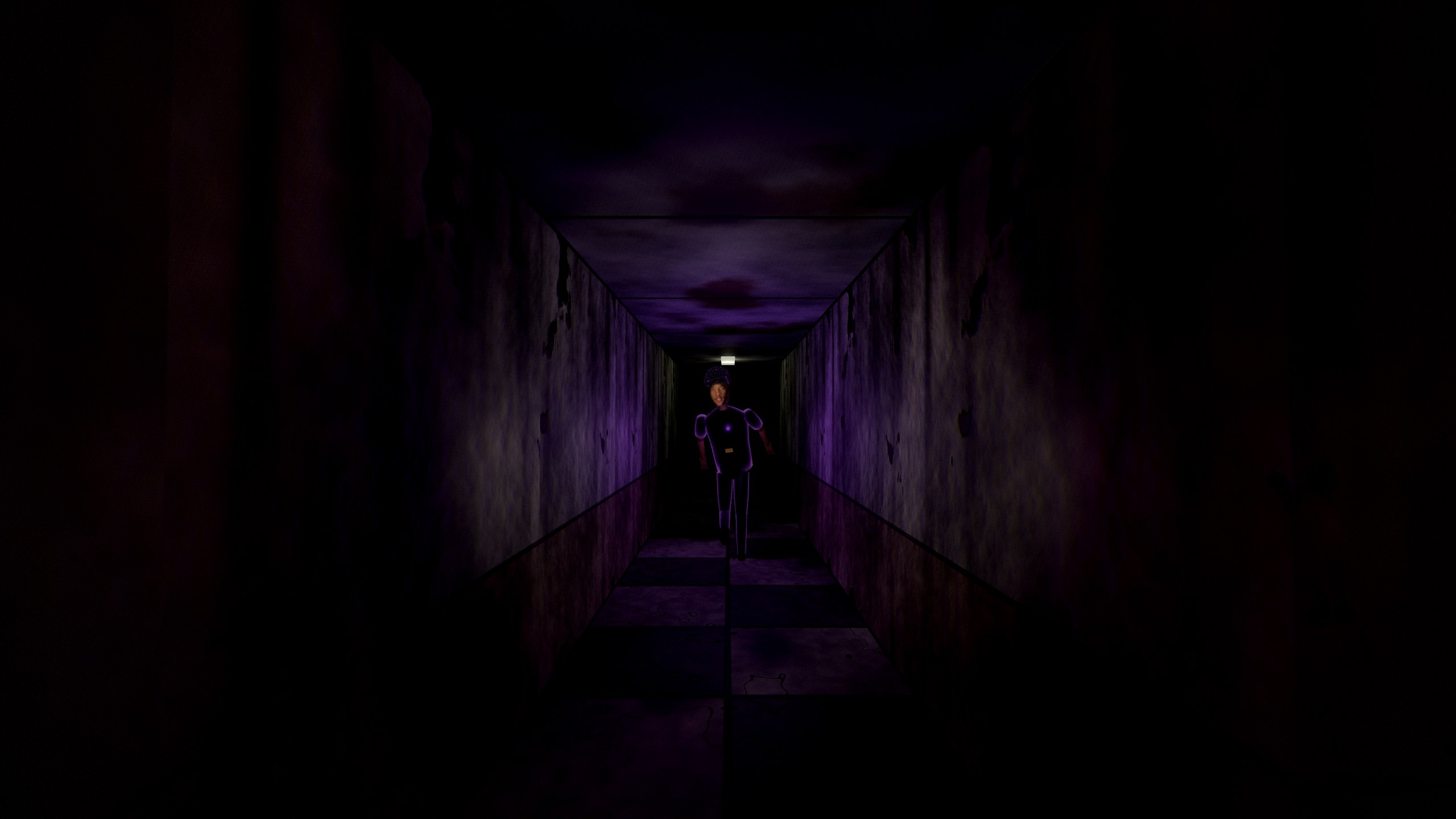
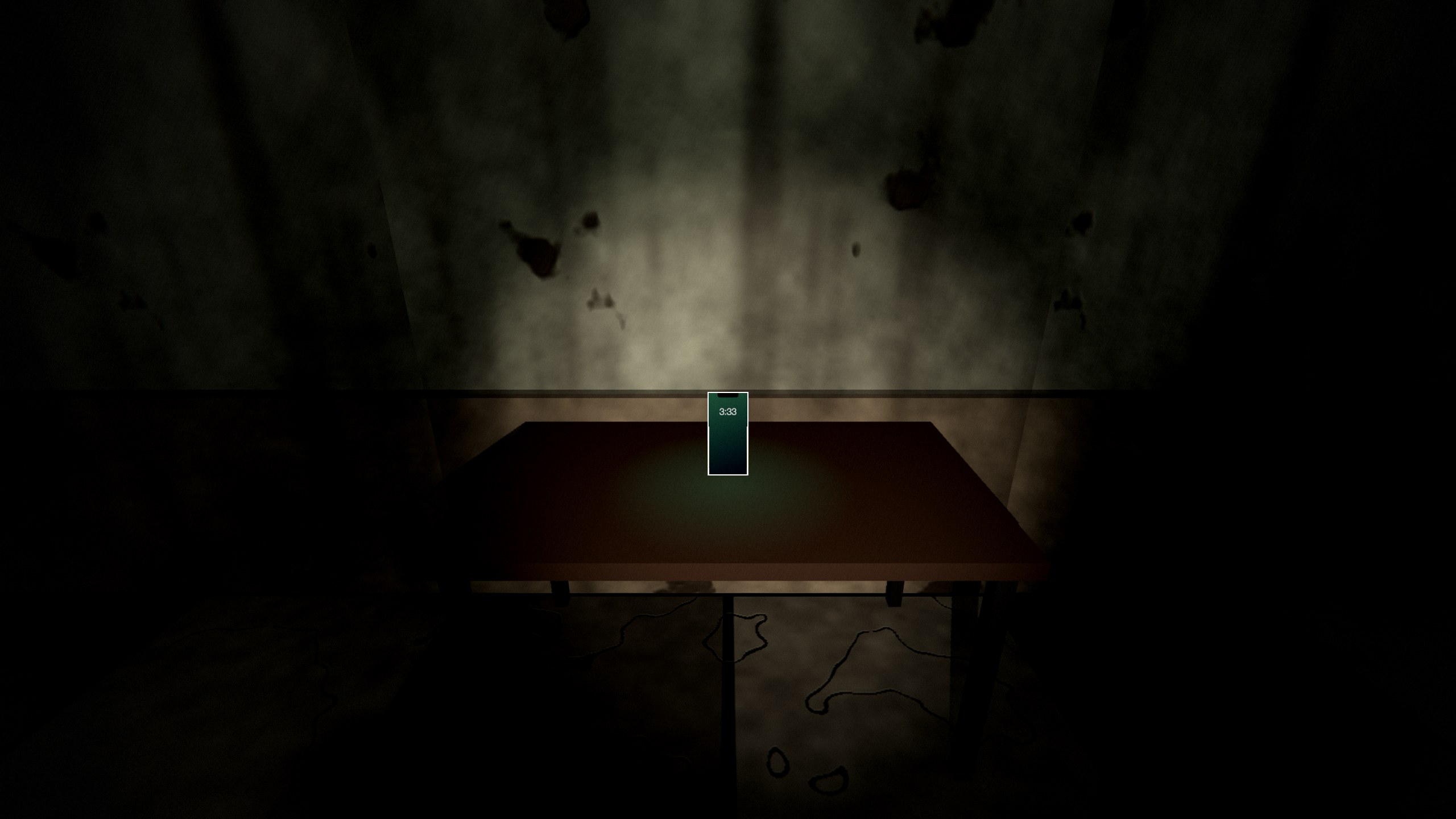
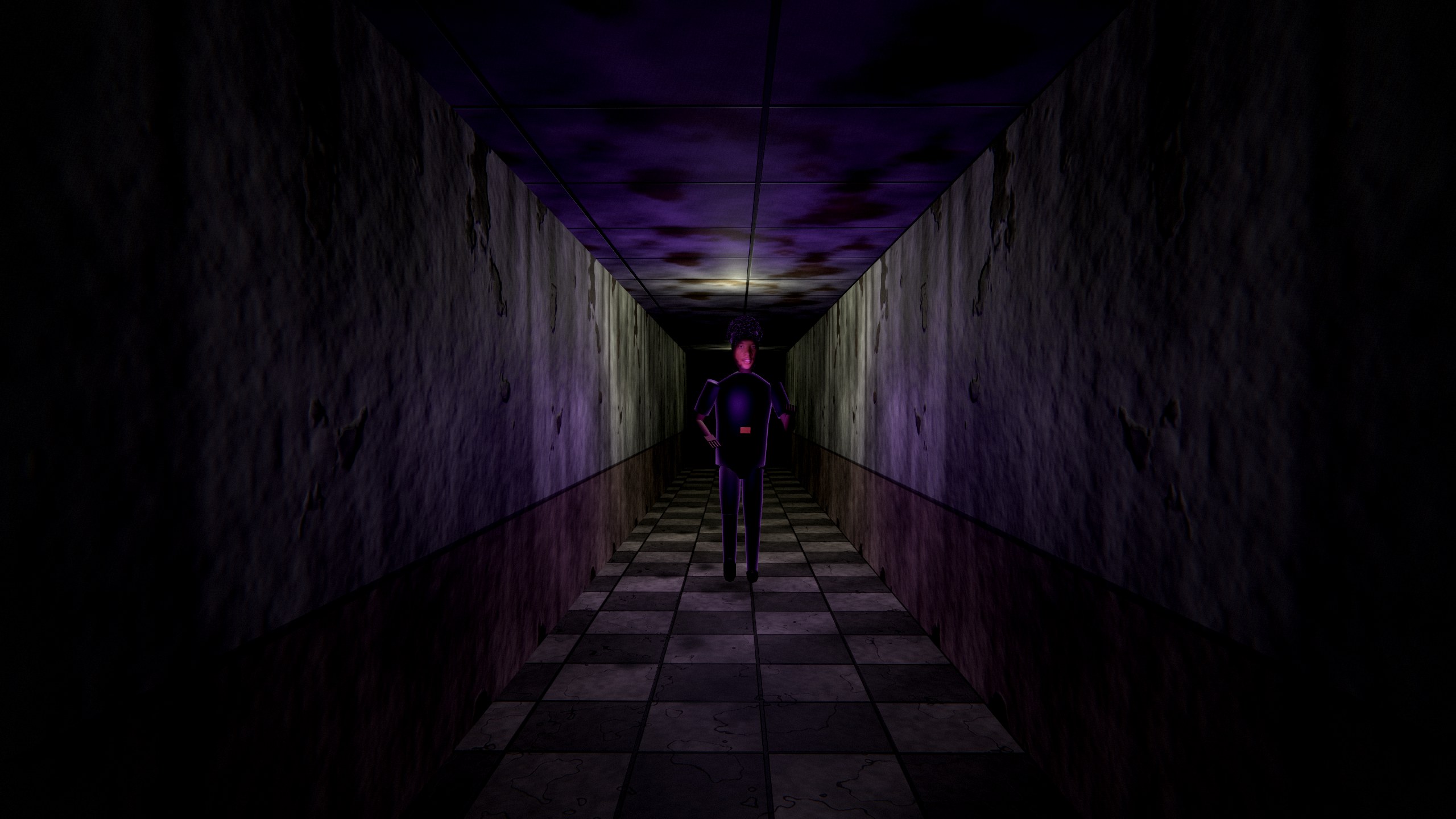
The building
Opening it on a Mac
CarterHere isn't from the App Store, so macOS asks before the first launch.
- Unzip the download and drag CarterHere into Applications.
- Right-click it and choose Open, then Open again.
- If macOS still won't open it, go to System Settings → Privacy & Security, scroll down and click Open Anyway.
Runs on Apple silicon and Intel Macs.
Opening it on Windows
The game isn't code-signed, so Windows may warn you the first time.
- Right-click the zip, choose Extract All…, and open the CarterHere folder.
- Double-click CarterHere.exe.
- If you see "Windows protected your PC", click More info, then Run anyway.
Don't run it from inside the zip: extract it first.
How to play
| WASD + mouse | Move and look |
| Shift | Sprint. Limited stamina, and louder. |
| E | Pick up a phone, try the exit, hide in a locker or under a desk |
| 1 | Ring decoy: leave a phone ringing, and Carter goes to it |
| 2 | Camera flash: stuns Carter up close |
| 3 | Find My: points to the nearest phone |
| Hold Tab | Phone list |
| Hold Q | Your own phone, to read Carter's texts |
| Esc | Pause |
Know before you go
Standing still makes no noise. Nearby phones buzz faintly. Every phone you find charges your battery, and Carter gets faster and the lights die as you collect them.
Somewhere in the building is a bonus phone that flies. Wear it out and you can grab it.
Turn on Horror Mode from the main menu if you want it worse.
Contains flashing lights, sudden loud sounds and jumpscares. Reduced flashing is in Settings.